 Pertisk
AlphaLab · open source
Pertisk VMs
QEMU/KVM control plane — API, CLI, and UI.
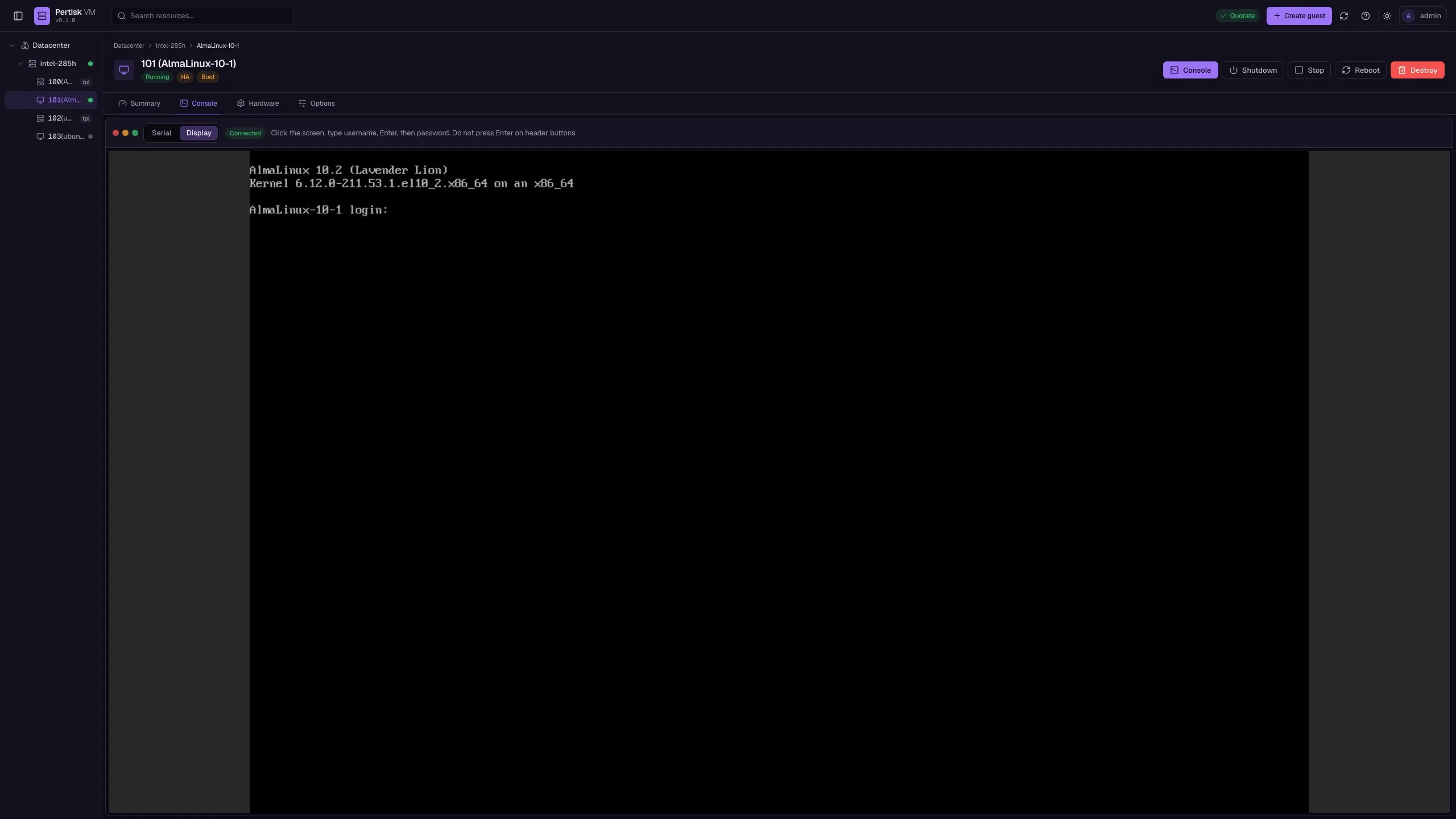
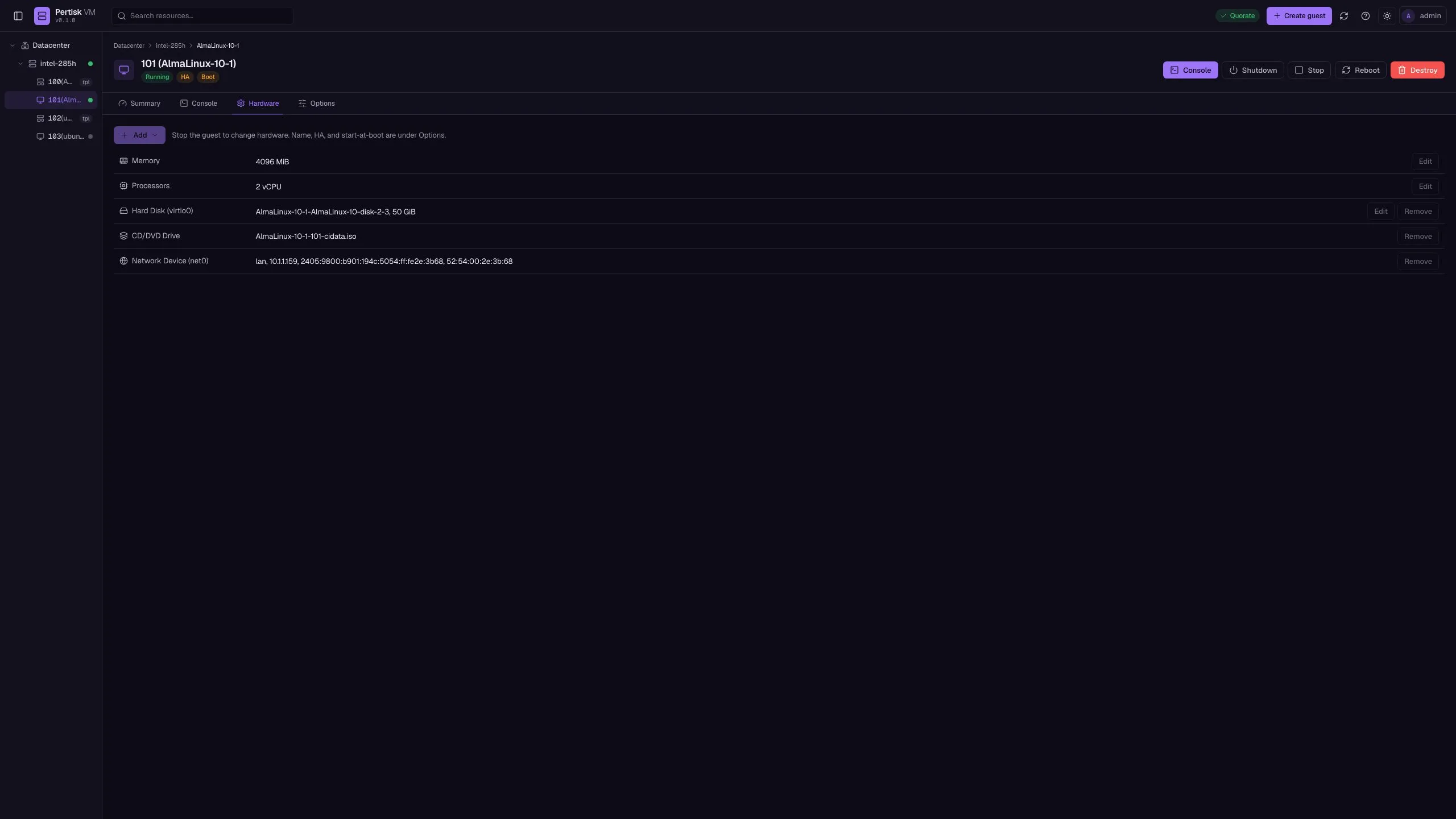
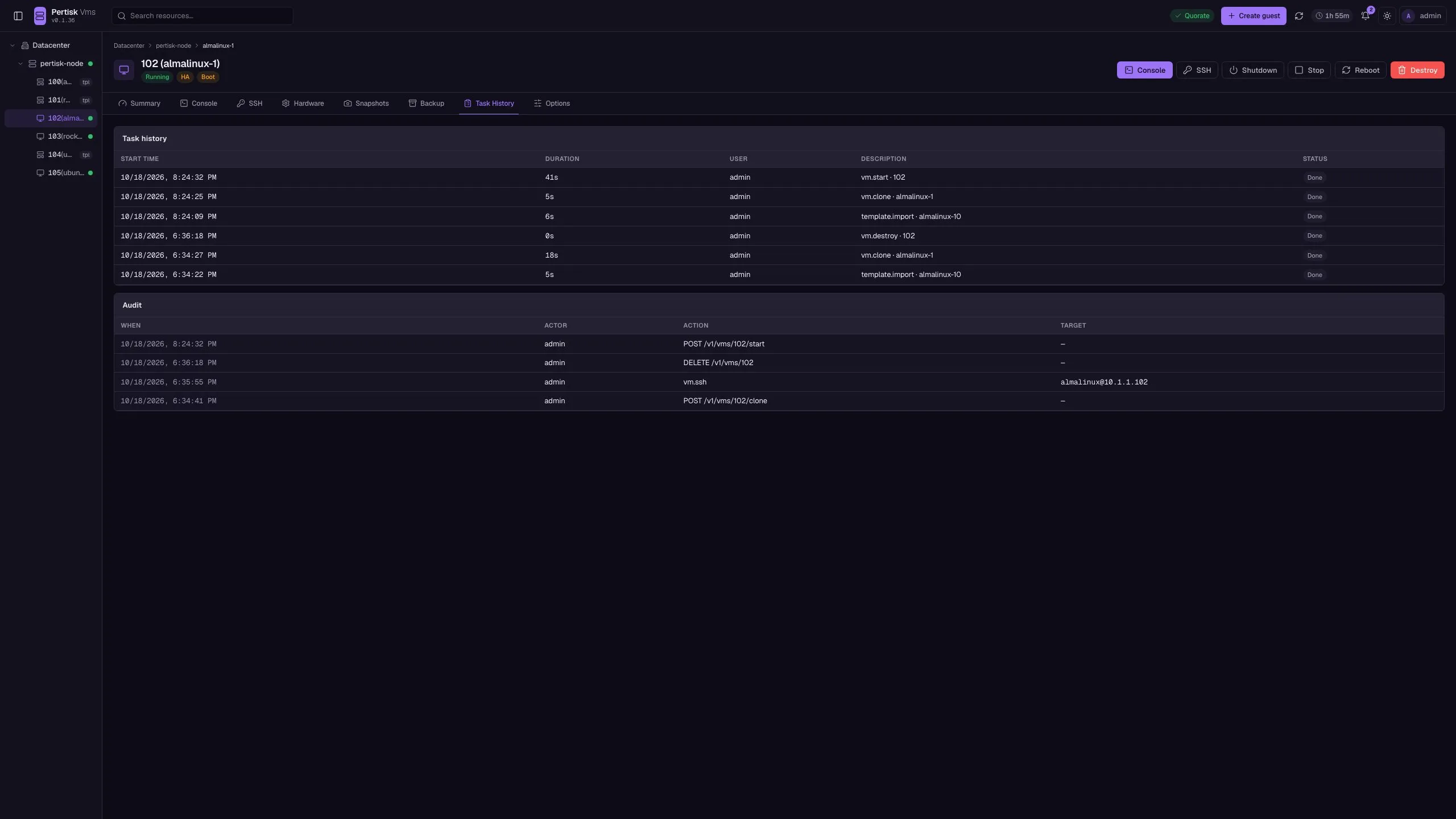
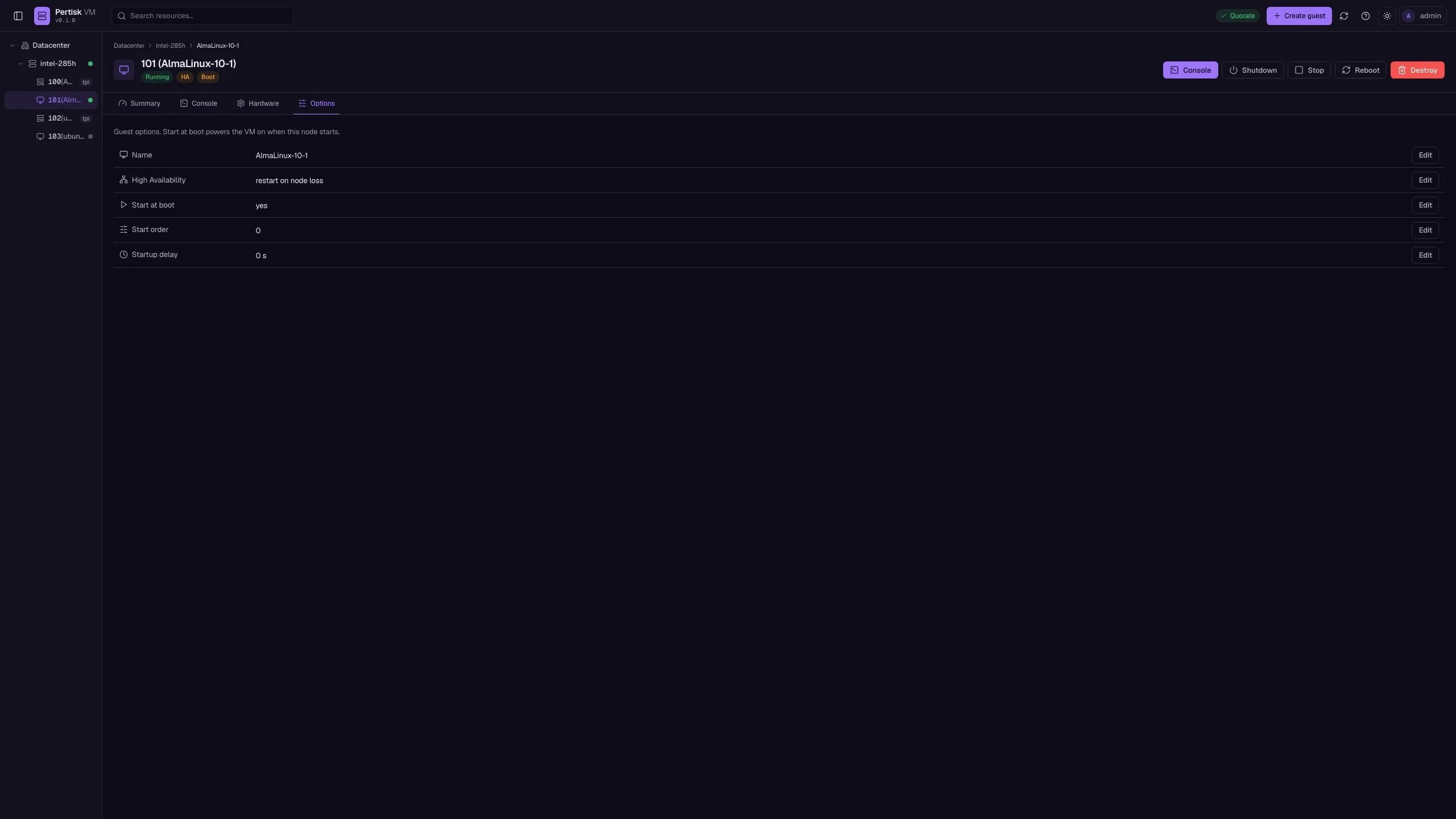
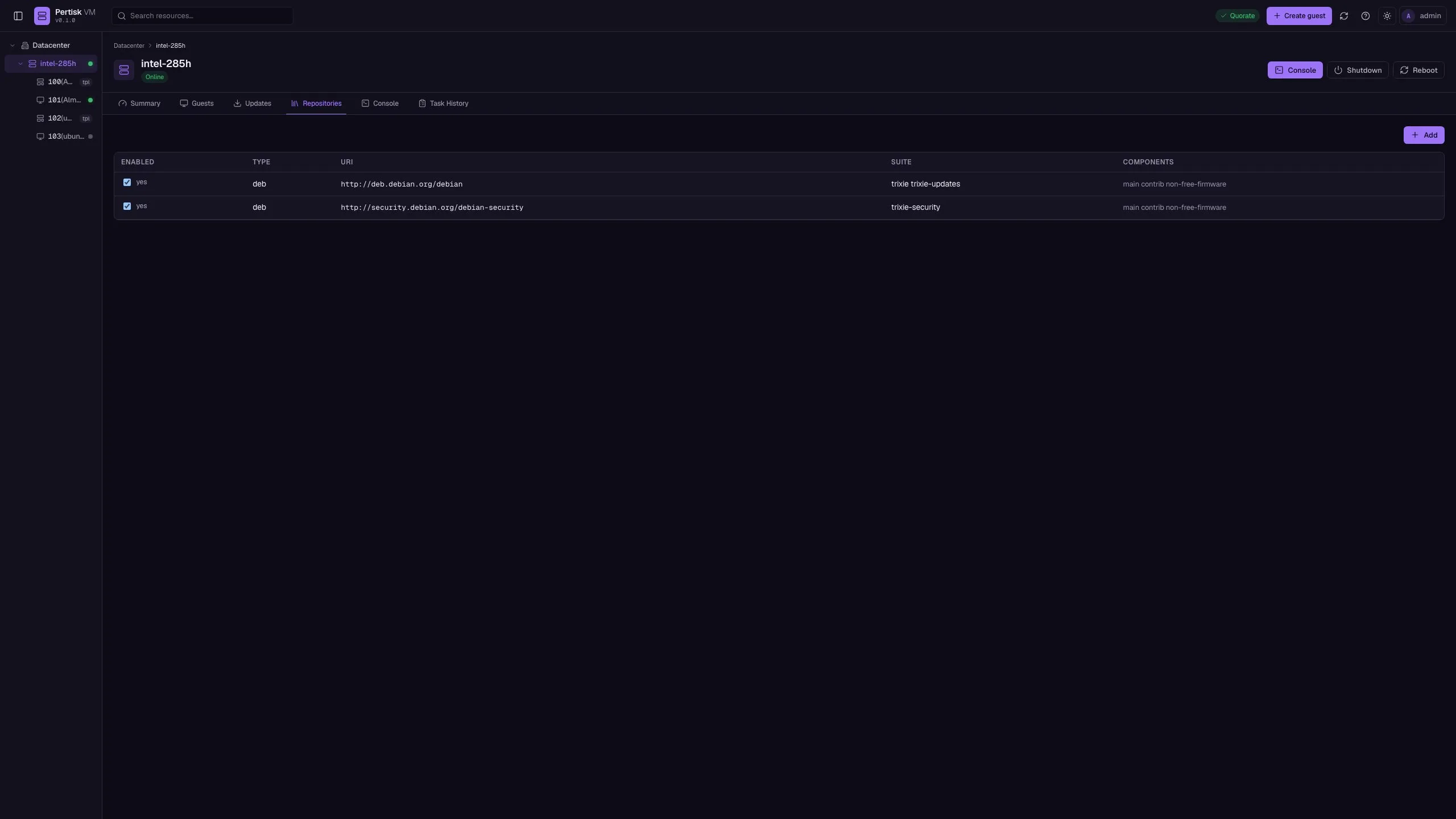
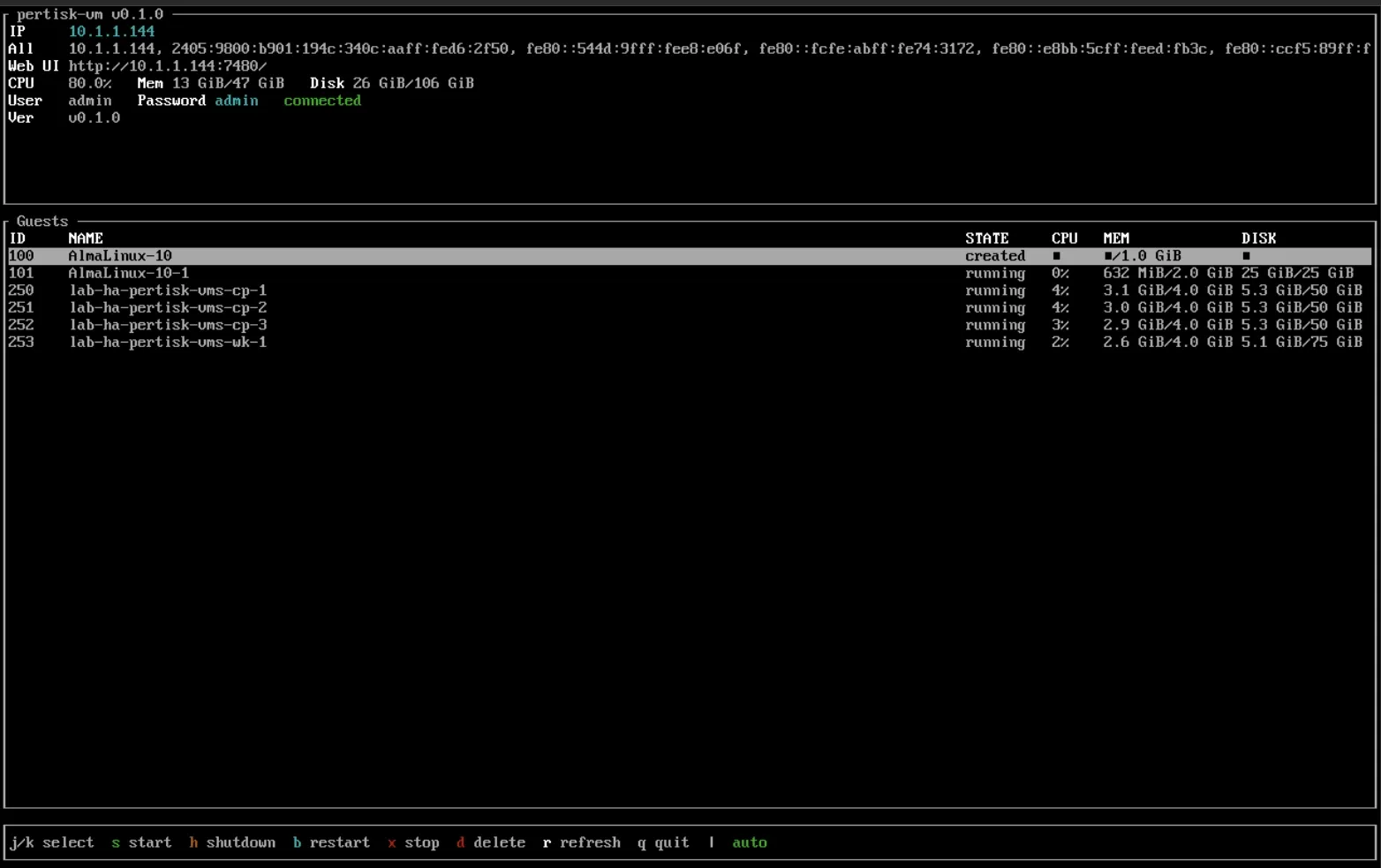
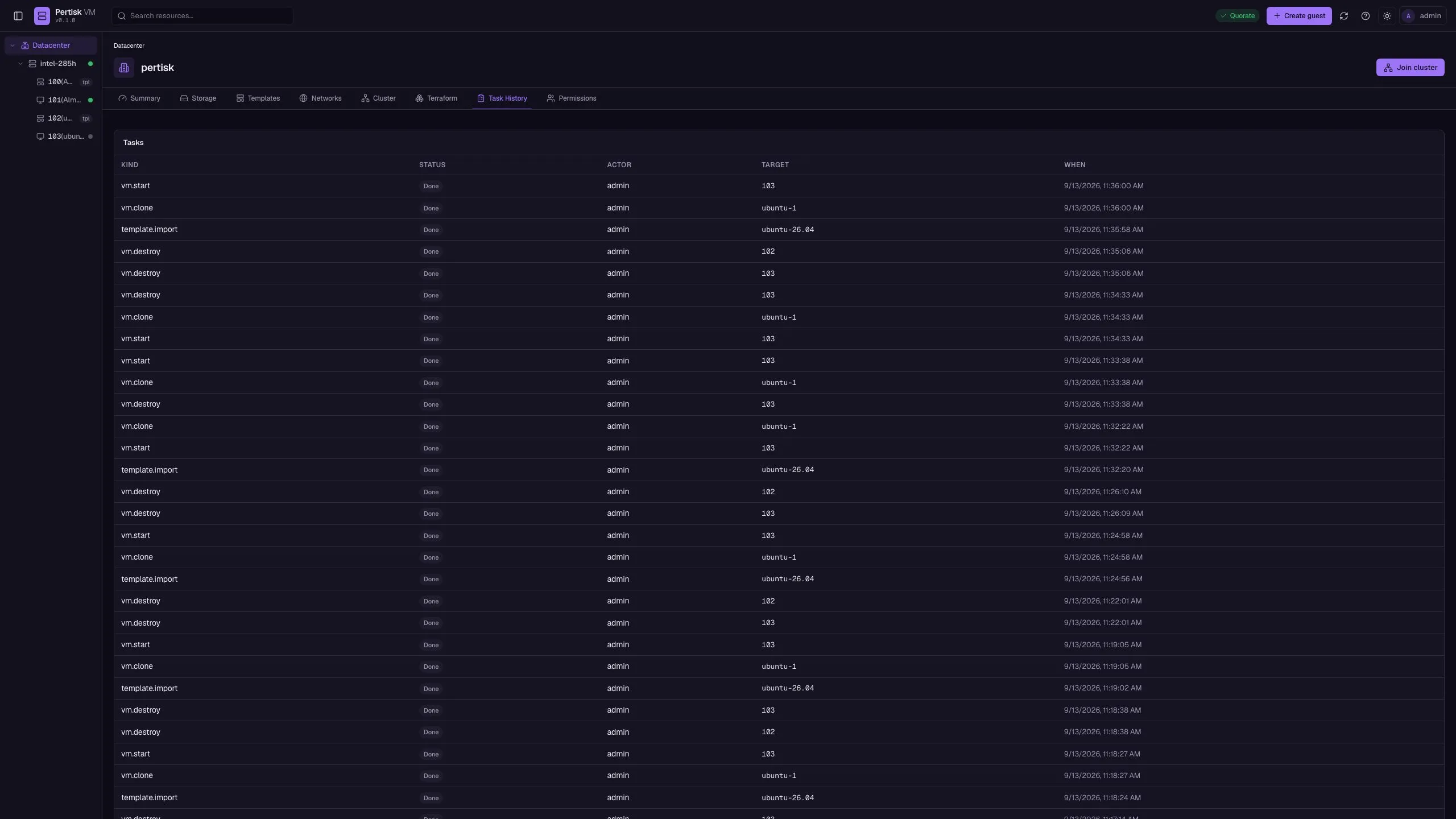
Pertisk VMs is a Proxmox-style control plane without SSH for day-to-day work. Operators use REST /v1, the pertisk CLI, or the React UI to create guests, clone cloud templates, import ISOs, join a quorum cluster, and export inventory as Terraform HCL. Guests get in-browser SSH, snapshots, backups, and task history. Cluster HA can be disarmed for maintenance and nodes drained with restart-migrate. Linux defaults to QEMU + OVMF so Pertisk KOS UEFI cloud images boot; macOS stays on a mock driver. Production HA needs Ceph RBD — replica file copies are lab-only. KOS mgmt registers the daemon as kind pertisk-vms.
Highlights
- HTTP API + web UI + CLI — no SSH for VM ops
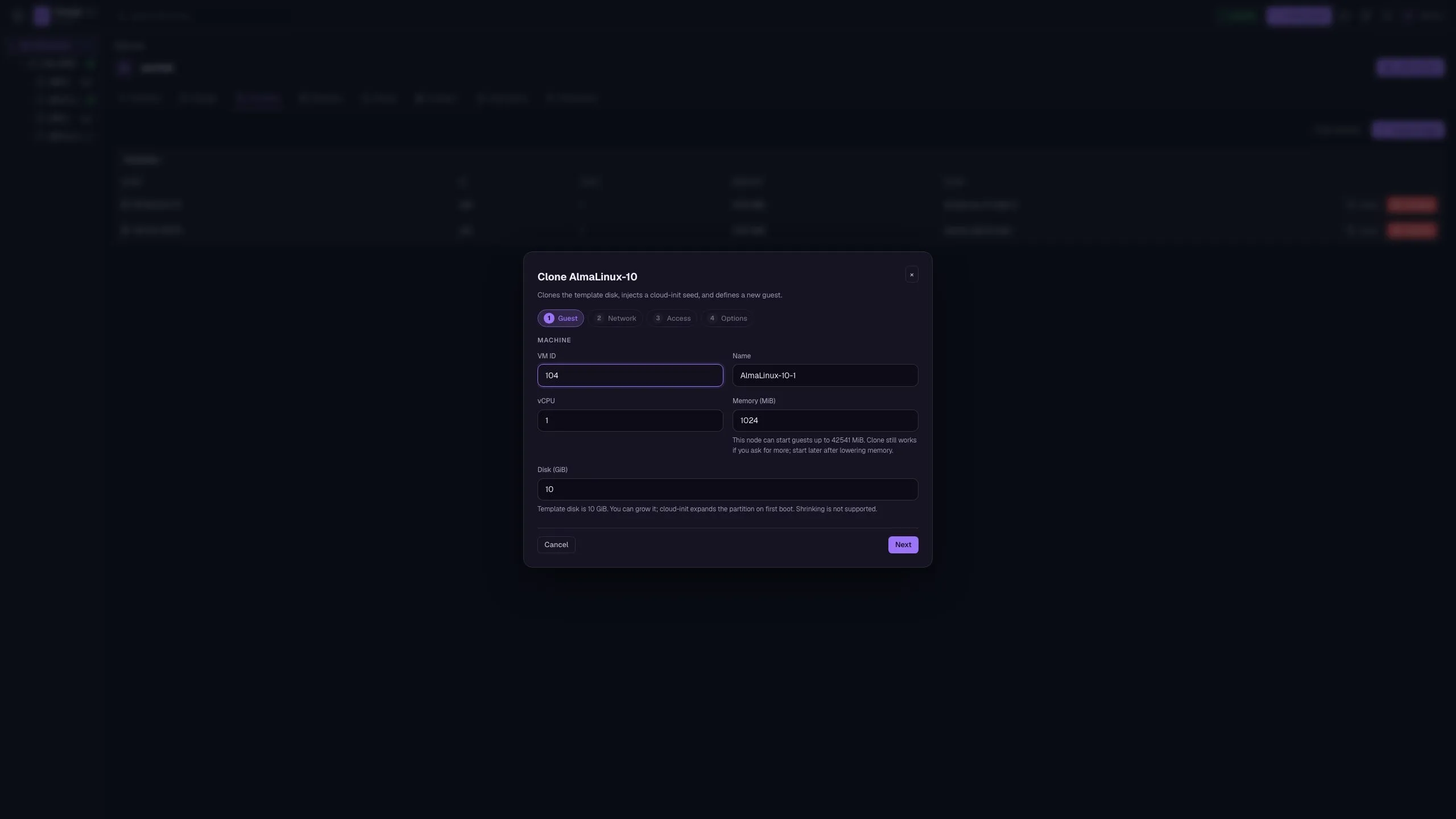
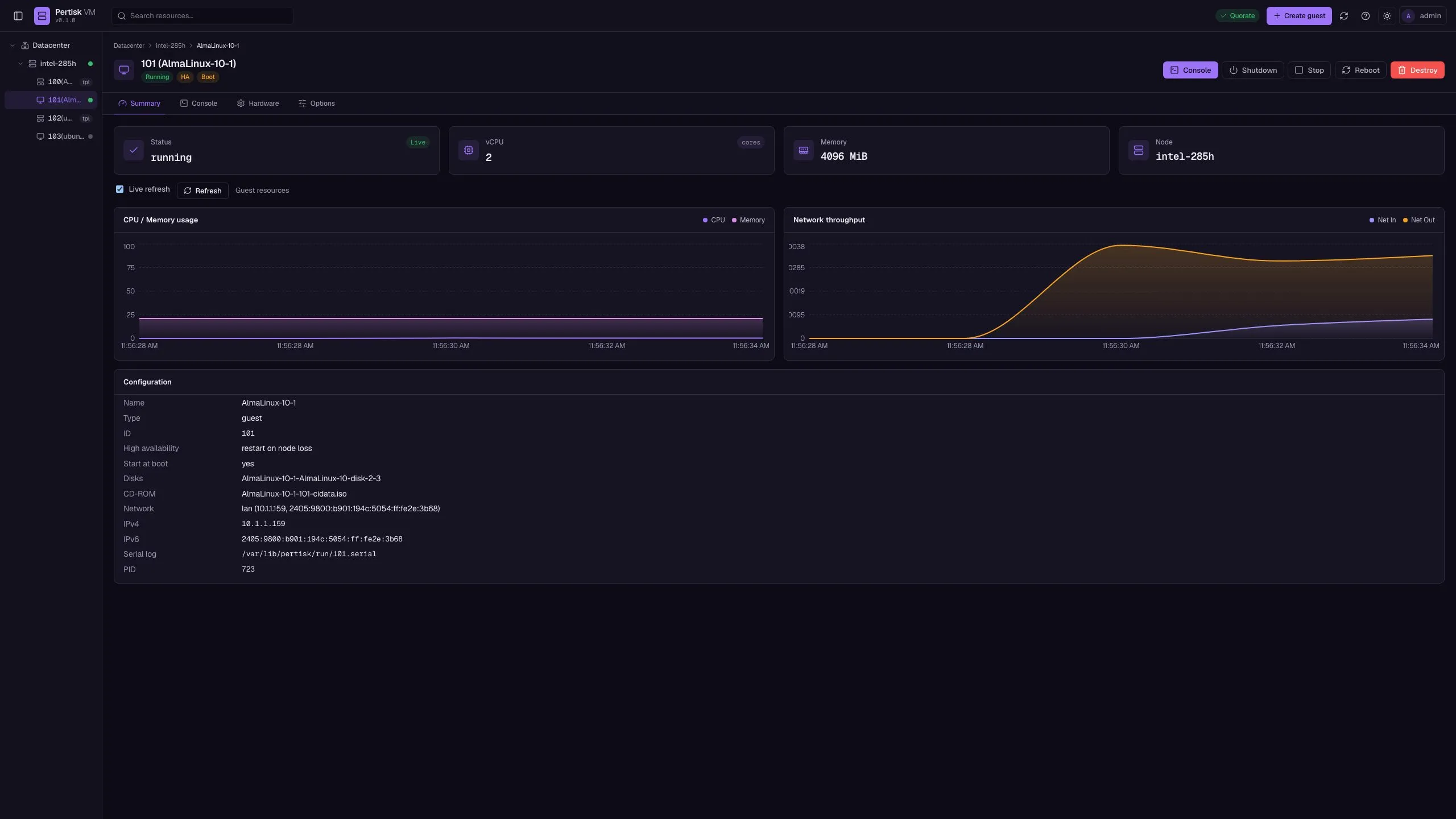
- Cloud templates, clone + cloud-init, live metrics charts
- Guest SSH, snapshots, backups, and Terraform HCL export
- HA disarm / drain, node updates, apt repos, host shell
Stack
- Rust
- QEMU / OVMF
- Cloud Hypervisor
- Axum
- React UI
Management UI
Hash routes on the live demo. Roles: viewer (read), operator (mutate), admin (users).
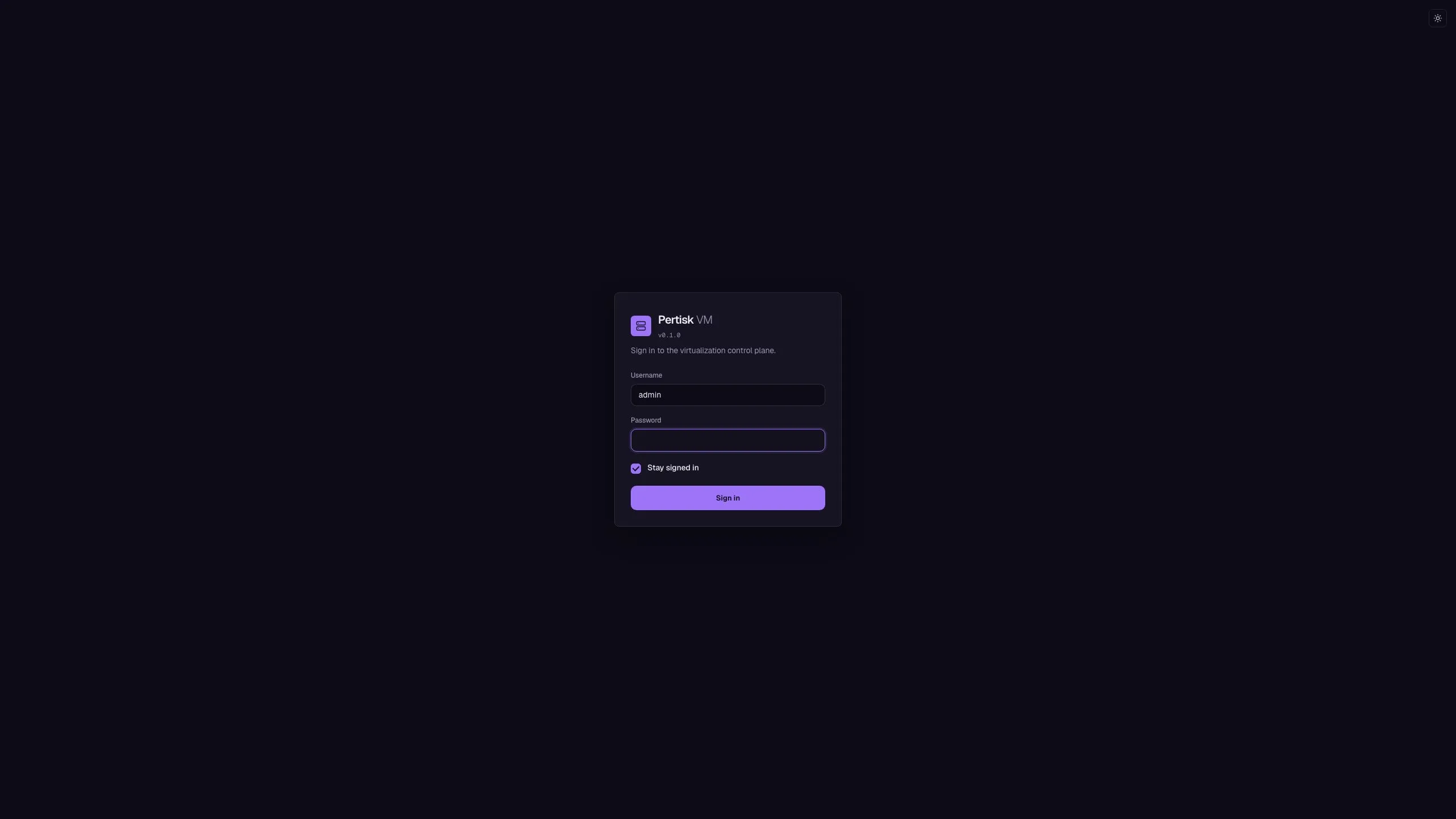
Login
/#/loginUsername/password, stay signed in.
- Sign in
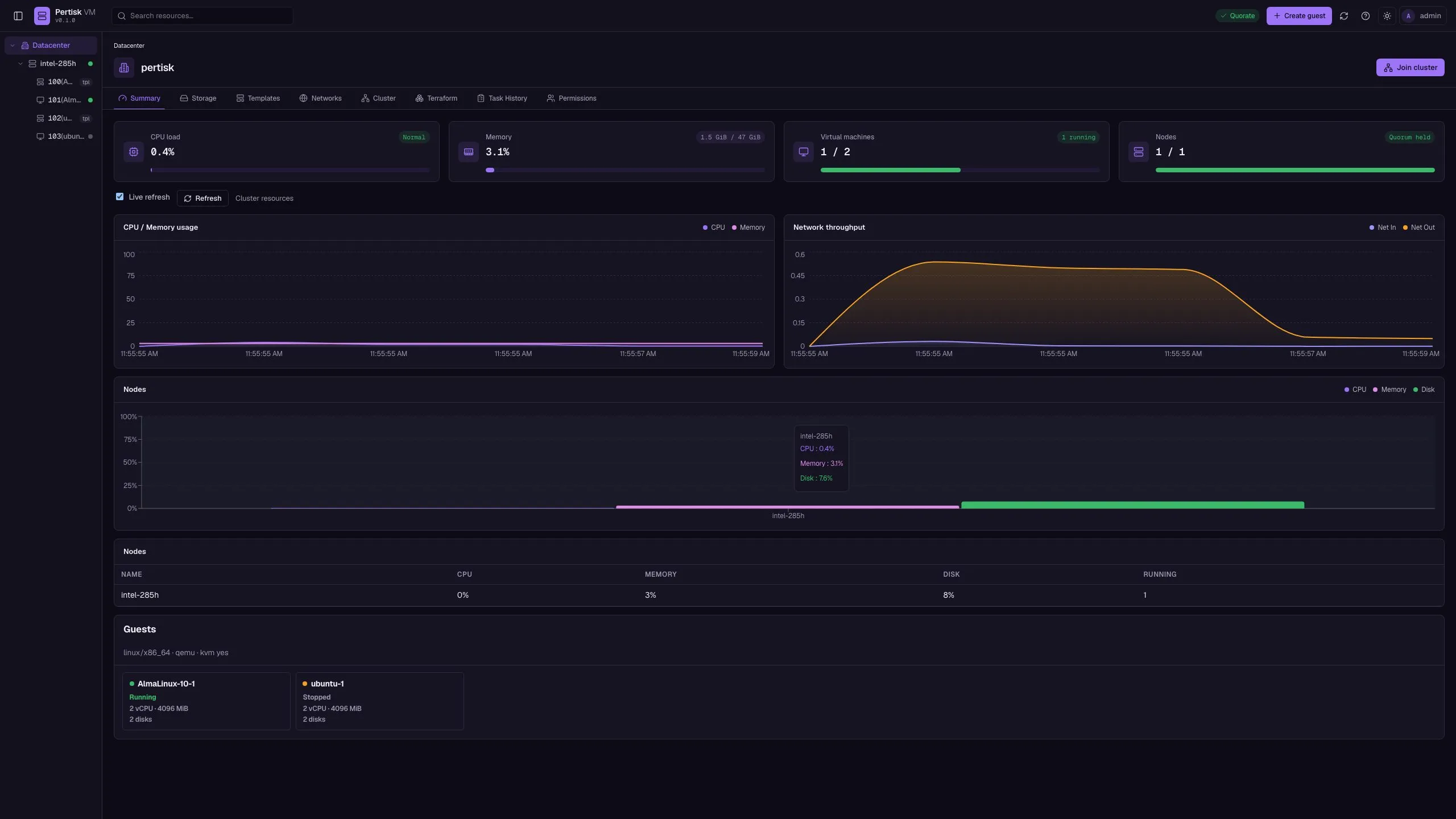
Overview
/#/dc/summaryGuests live, nodes, quorum, volumes, live charts.
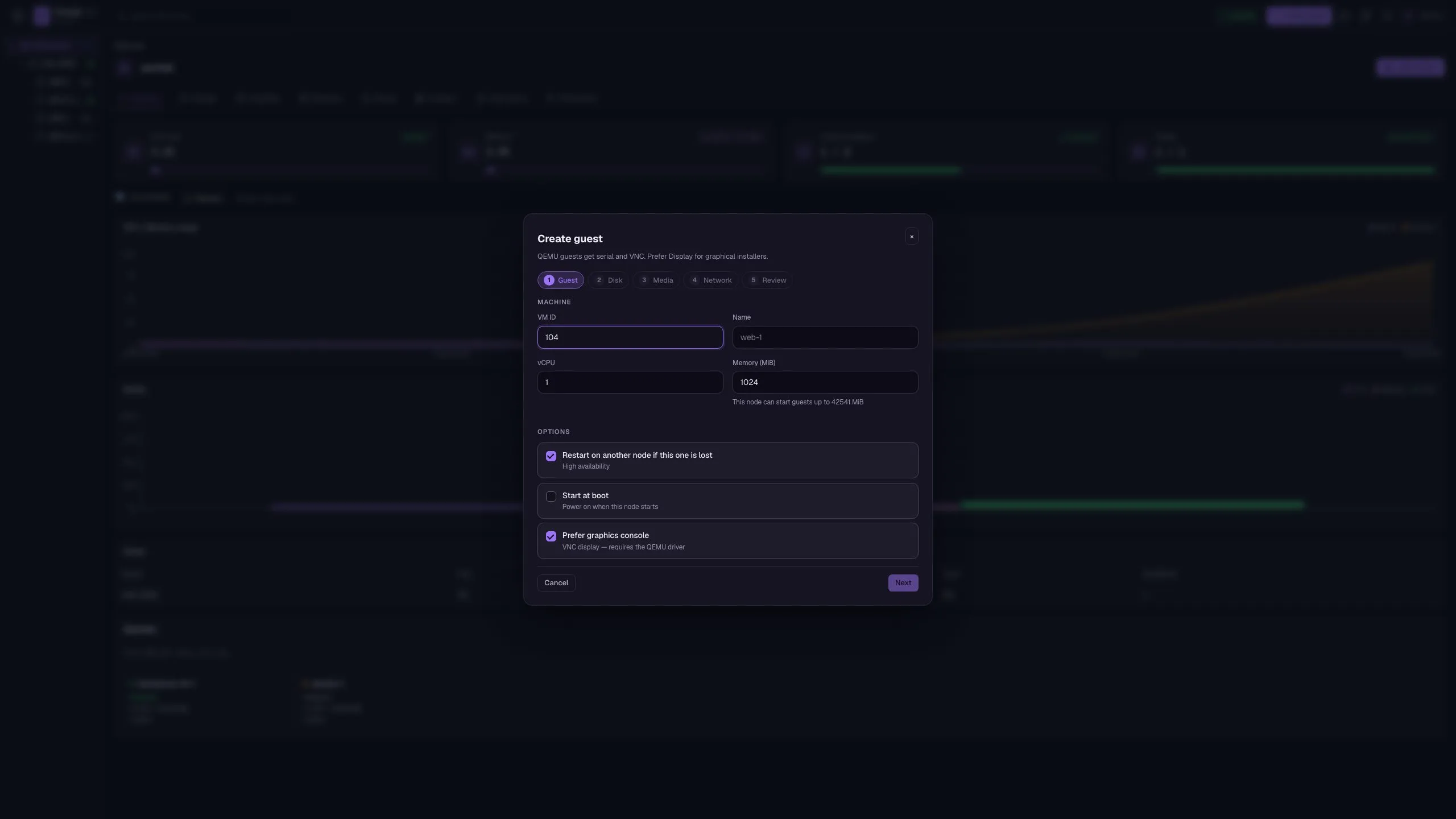
- Create guest
- Open a guest
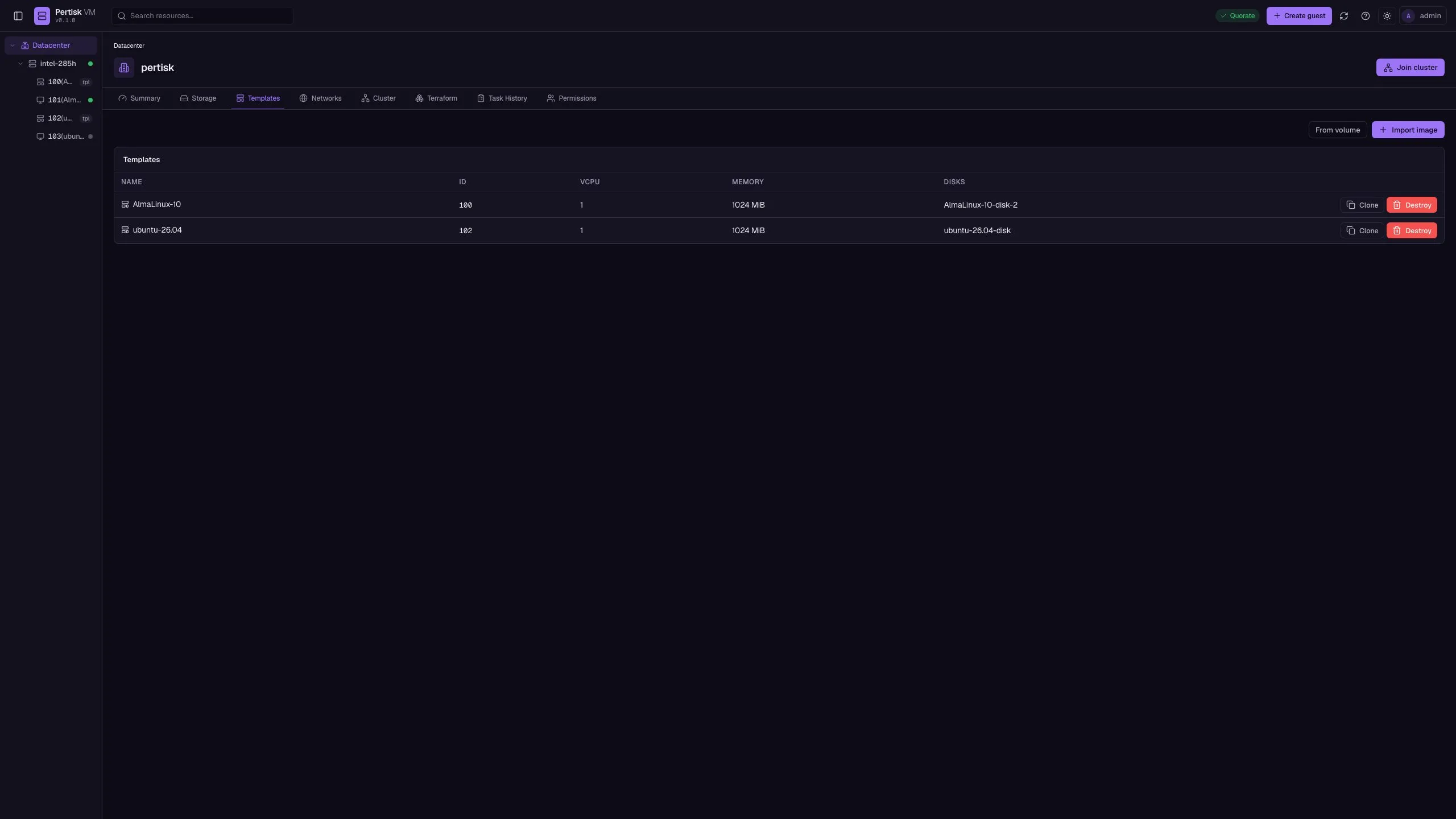
Templates
/#/dc/templatesCloud images used as clone sources.
- Import image
- From volume
- Clone
- Destroy
Storage
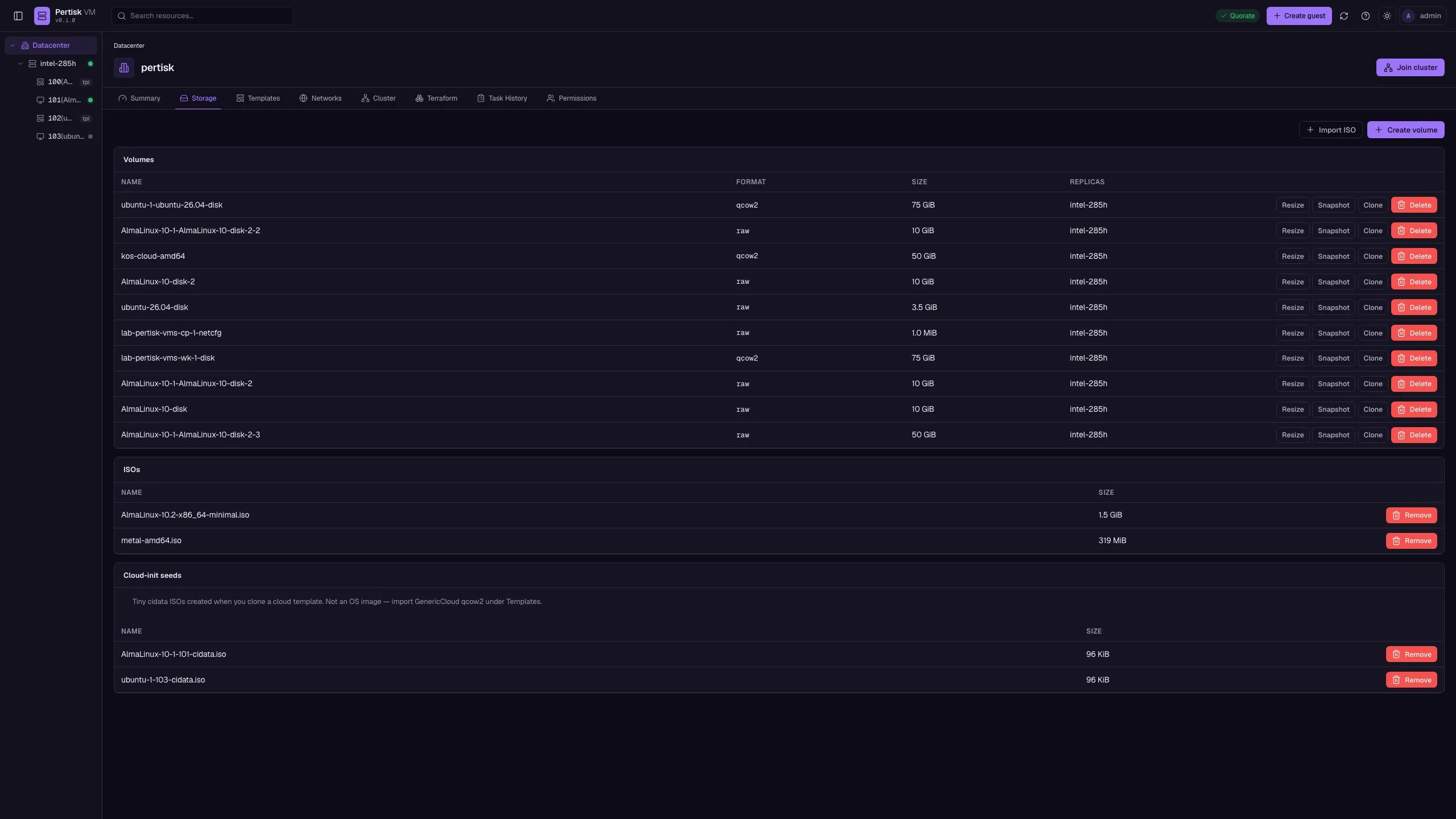
/#/dc/storageReplica volumes, ISO import, cloud-init seed ISOs.
- Create volume
- Import ISO
- Cloud-init
Networks
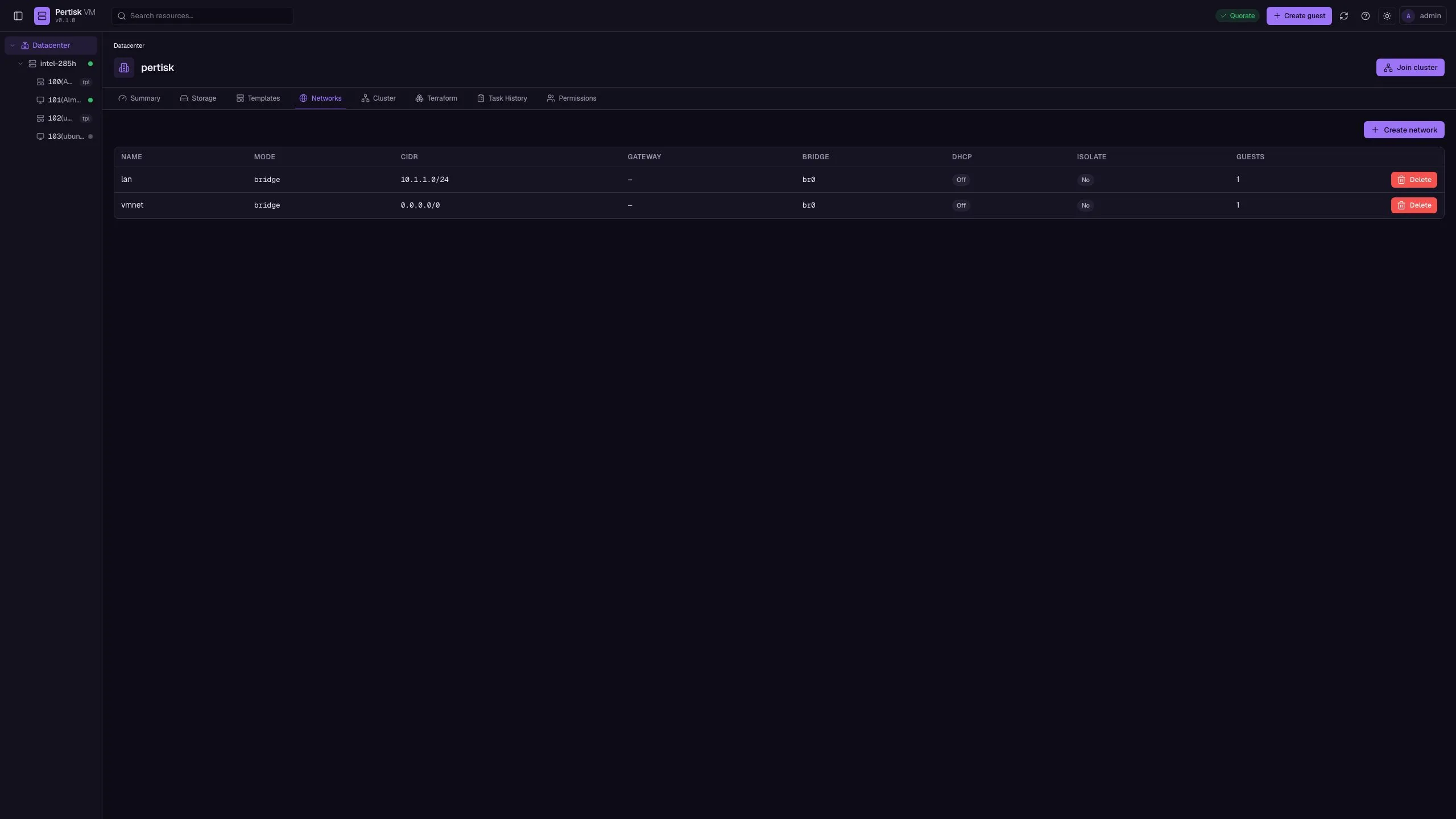
/#/dc/networksNAT or bridged networks (vmbr0 / br0).
- Create network
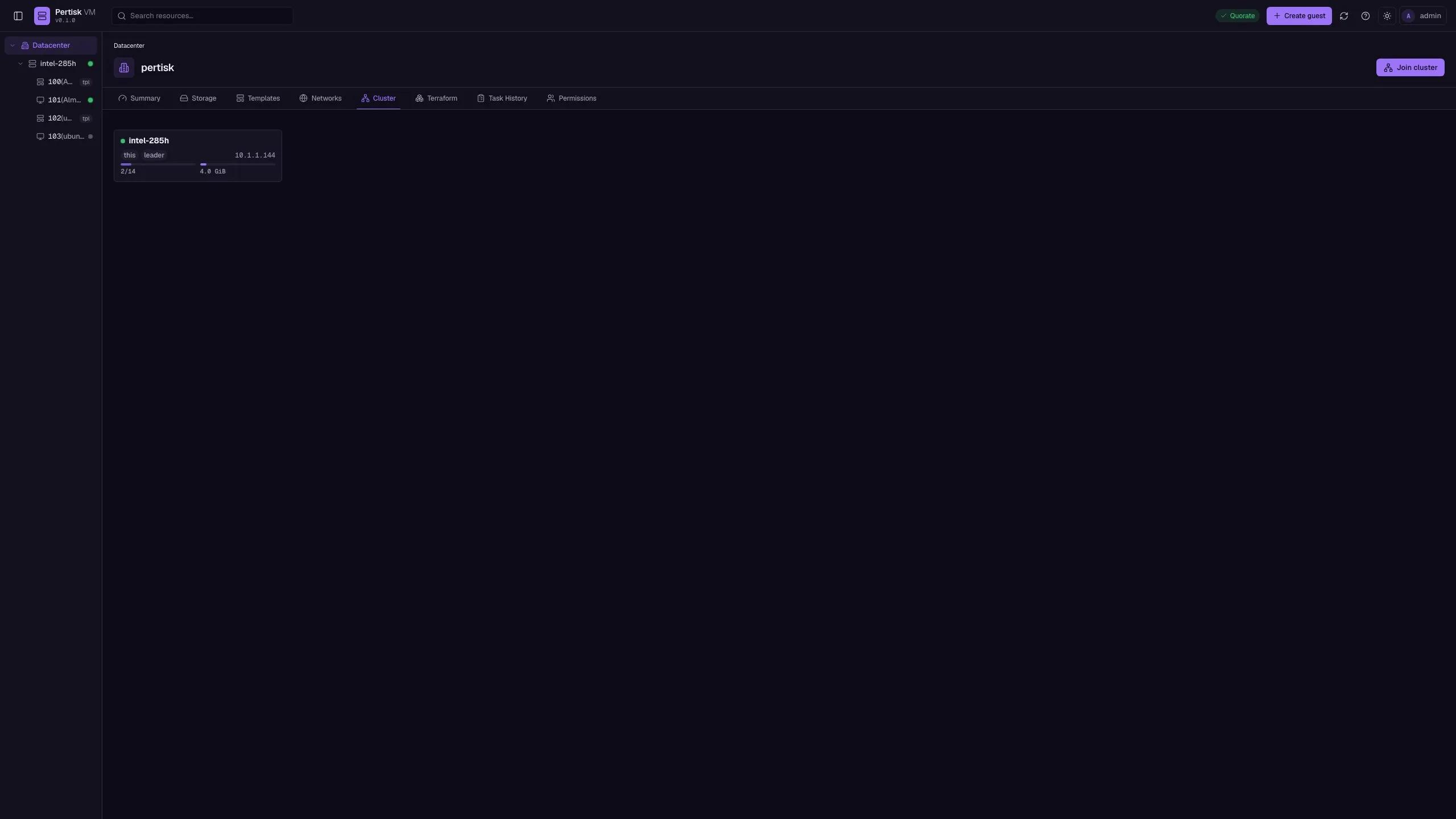
Cluster
/#/dc/clusterMembers, generation, quorum, HA armed/disarmed, RBD warning.
- Join cluster
- Disarm HA
- Drain this node
- Leave
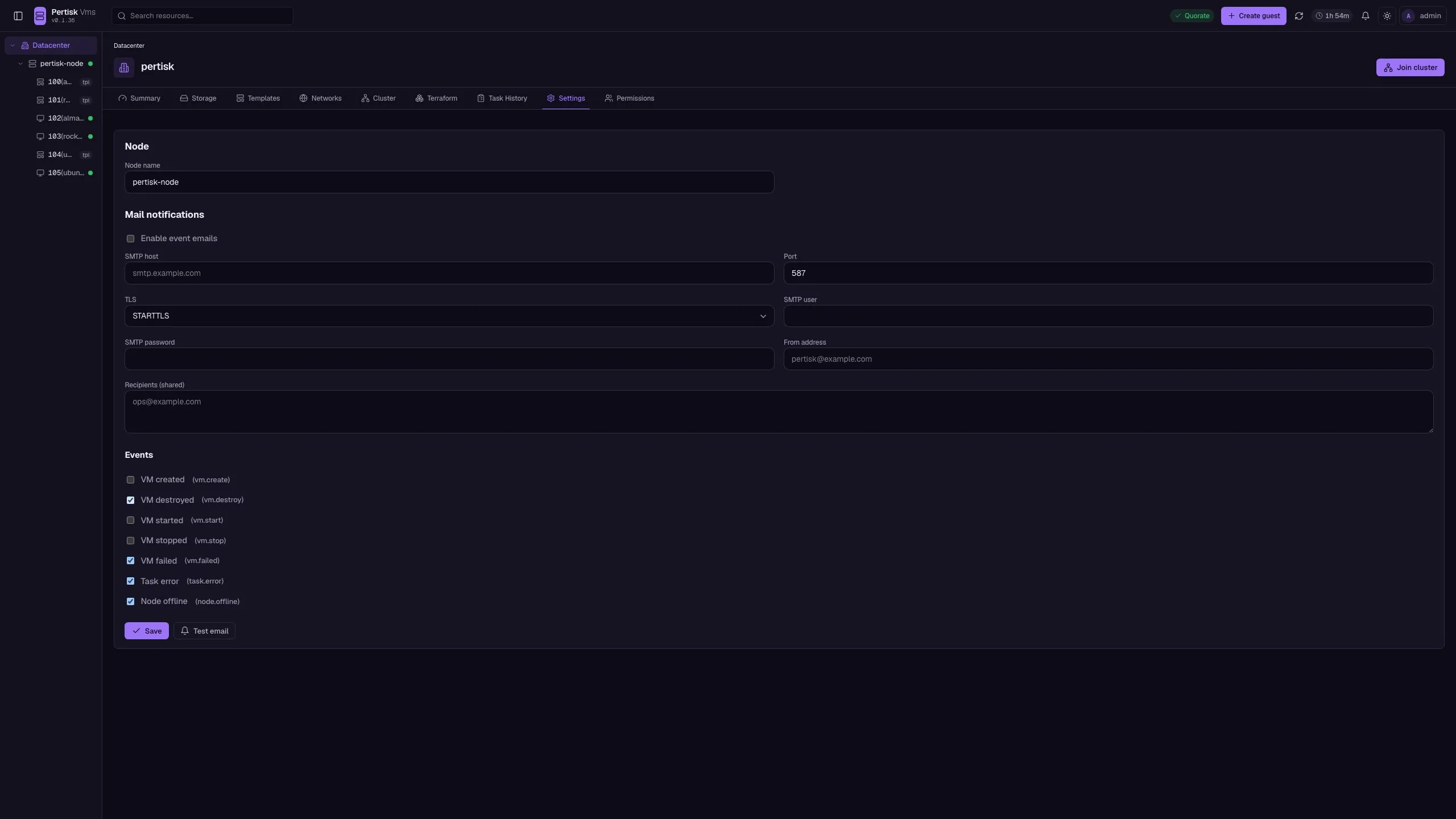
Settings
/#/dc/settingsNode name and SMTP notifications for guest/node events.
- Save
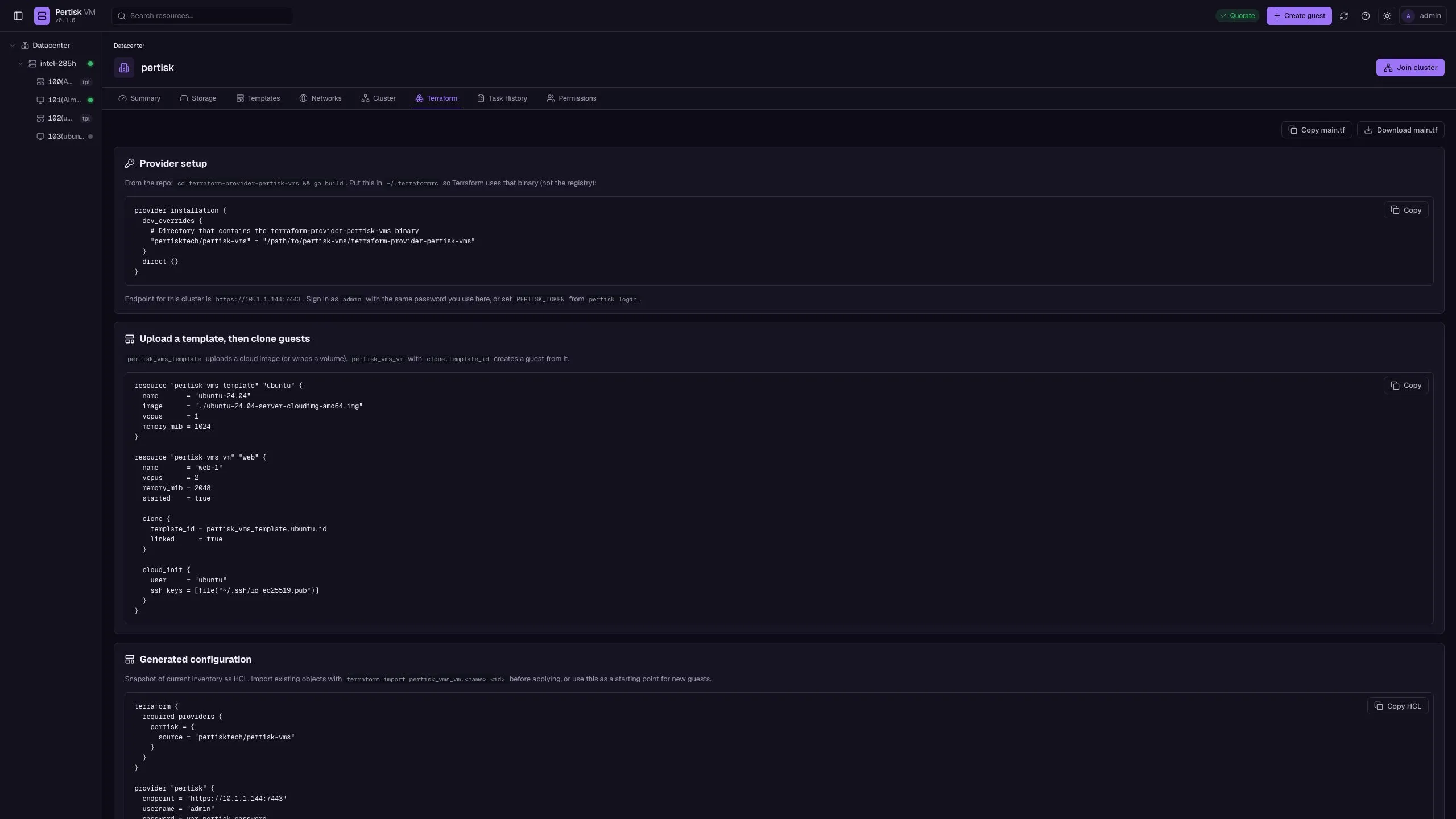
Terraform
/#/dc/terraformProvider HCL, template clone example, inventory snapshot.
- Copy
- Download main.tf
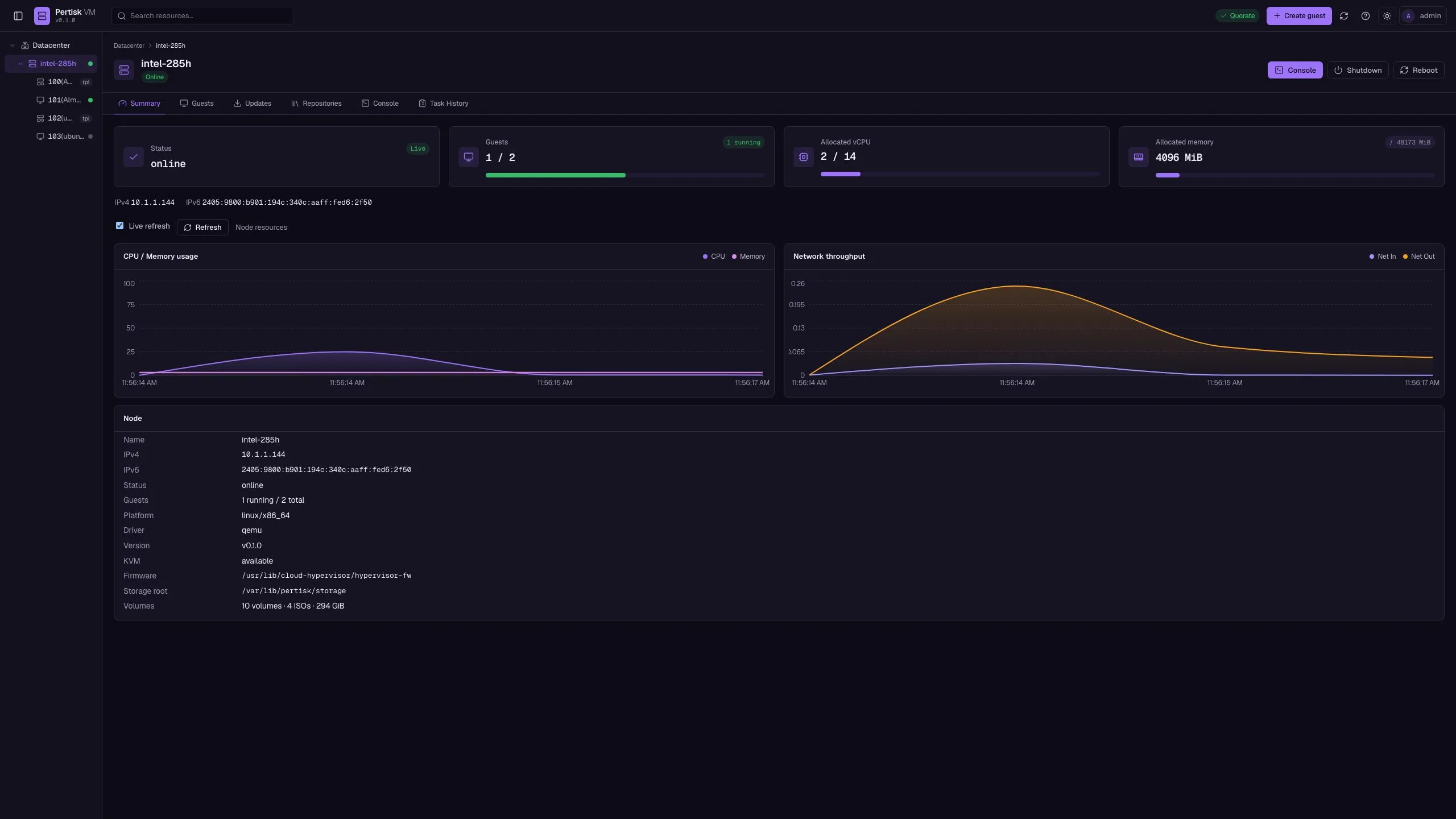
Node summary
/#/node/:id/summaryHost status, addresses, live metrics.
- Refresh
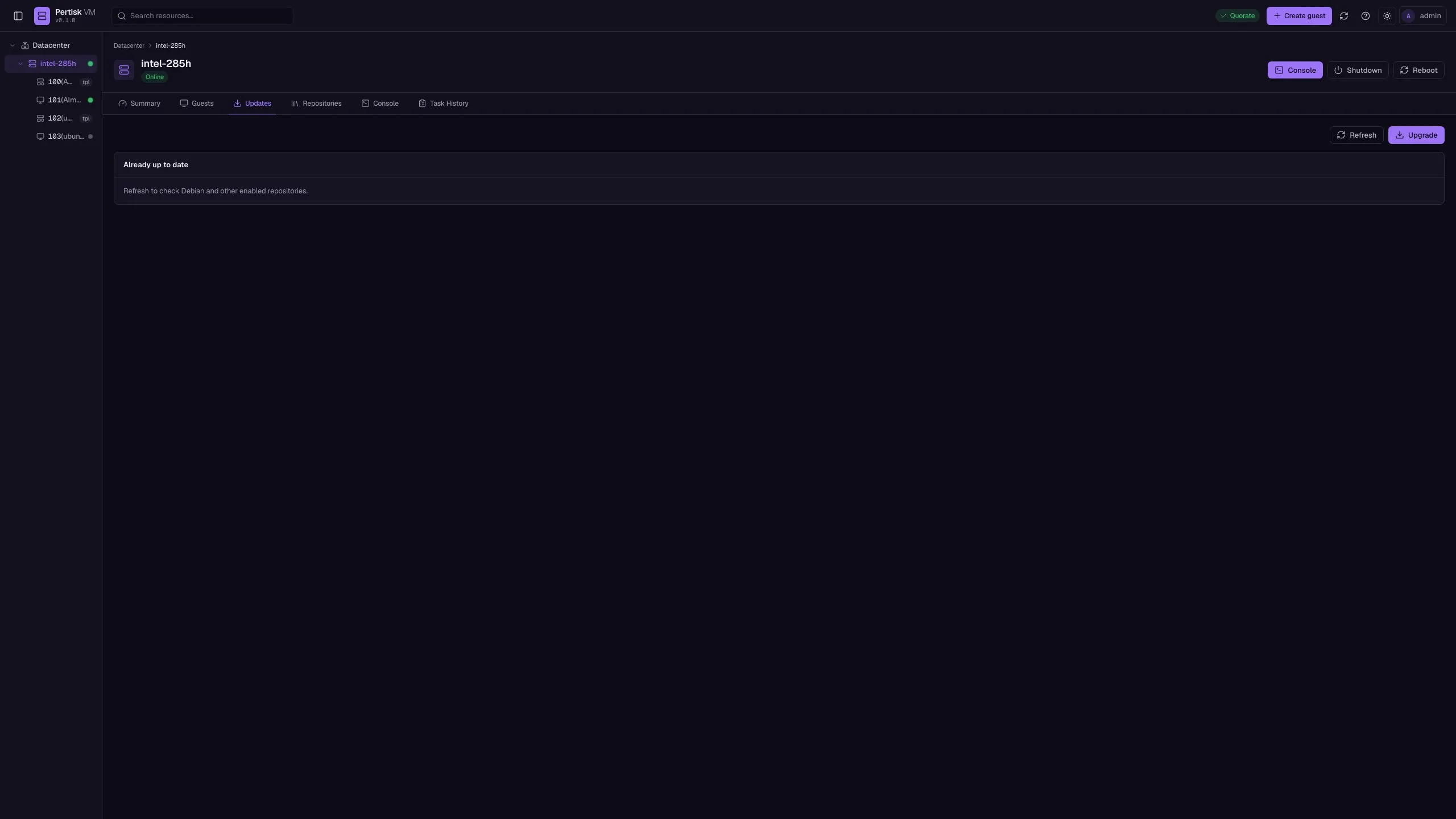
Node updates
/#/node/:id/updatesapt refresh / dist-upgrade on the hypervisor.
- Refresh
- Upgrade
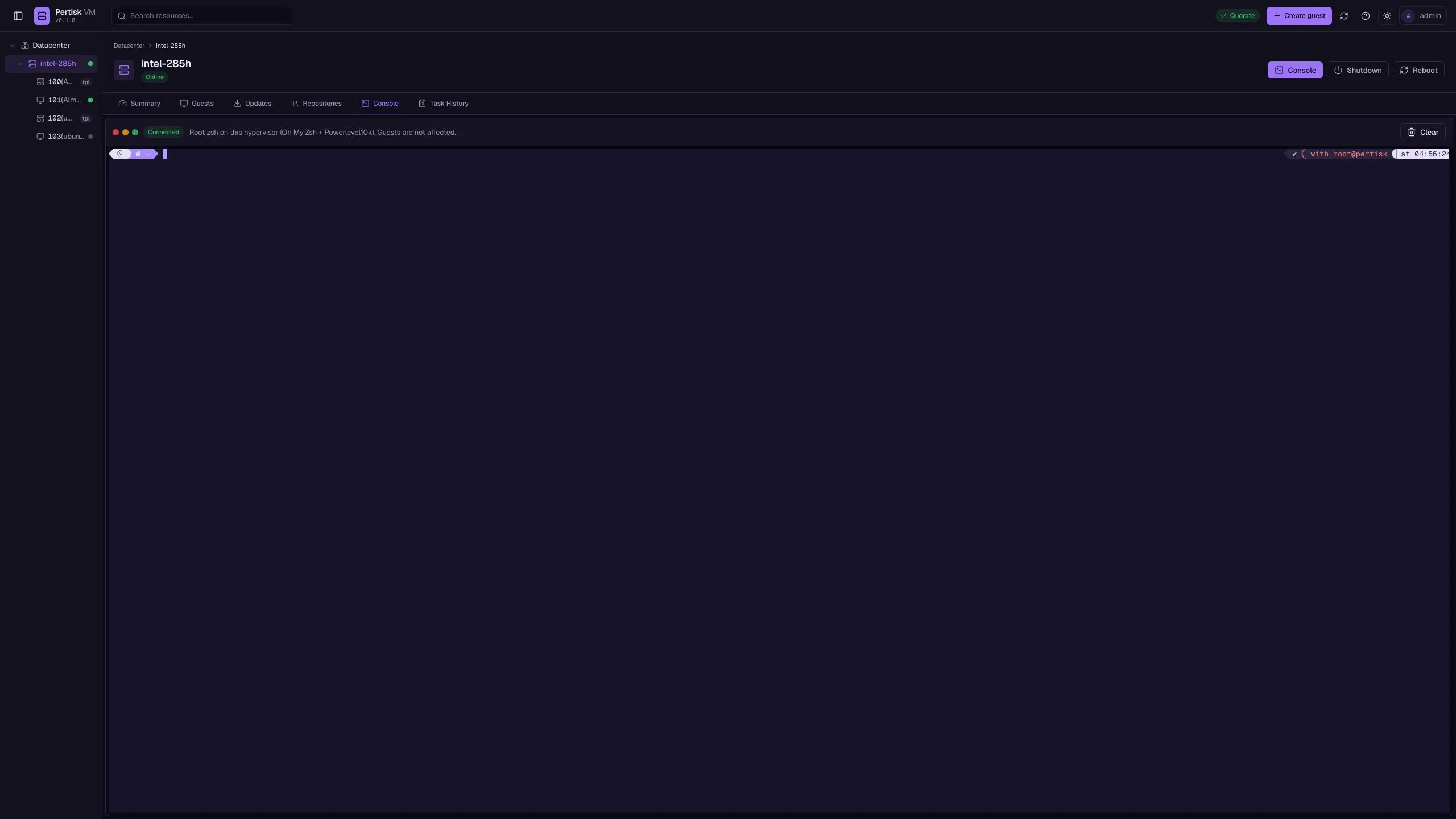
Node shell
/#/node/:id/shellRoot terminal on this hypervisor.
- Type in the shell
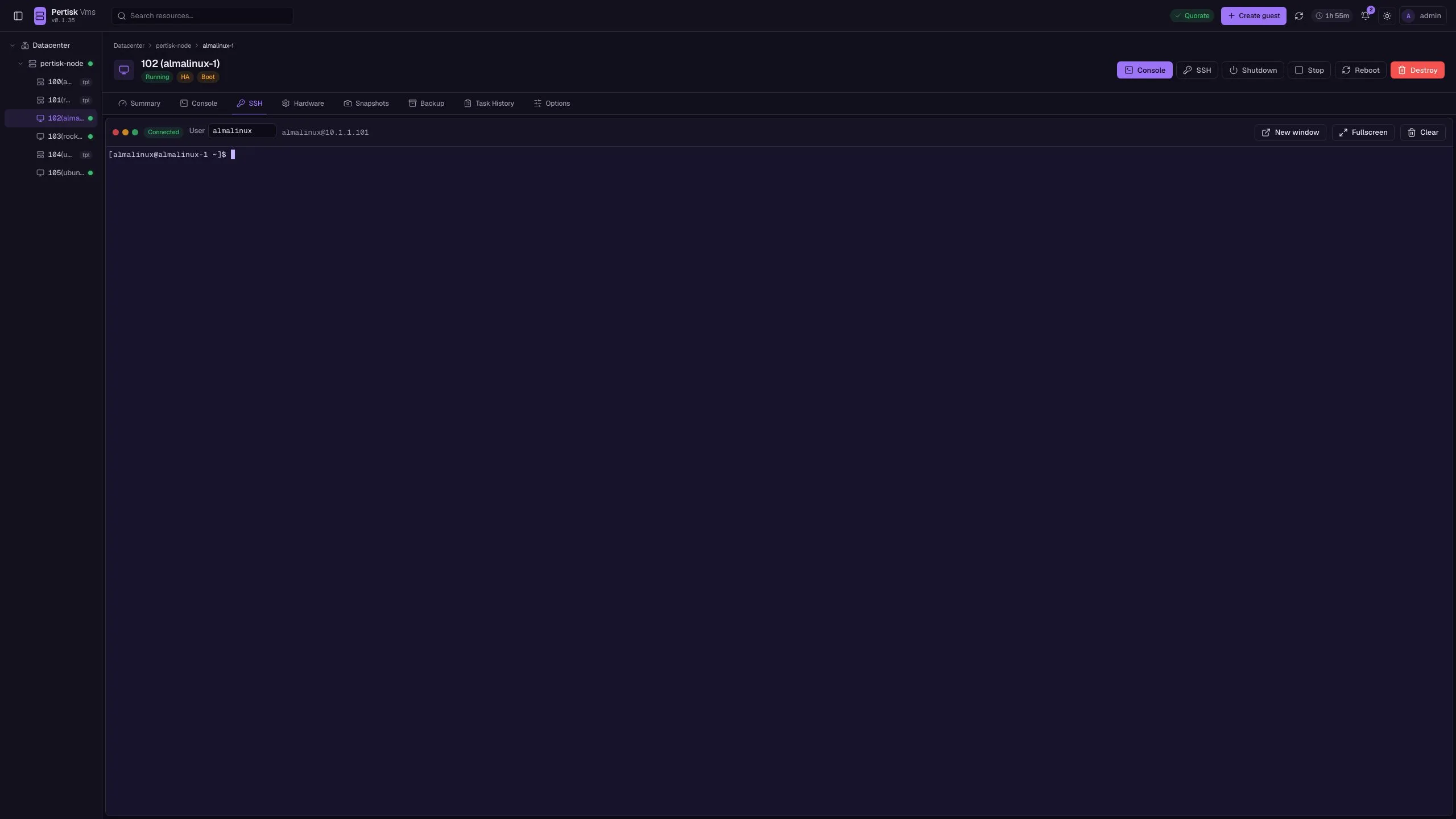
Guest SSH
/#/vm/:id/sshIn-browser SSH to a running guest.
- Open SSH
- Popup window
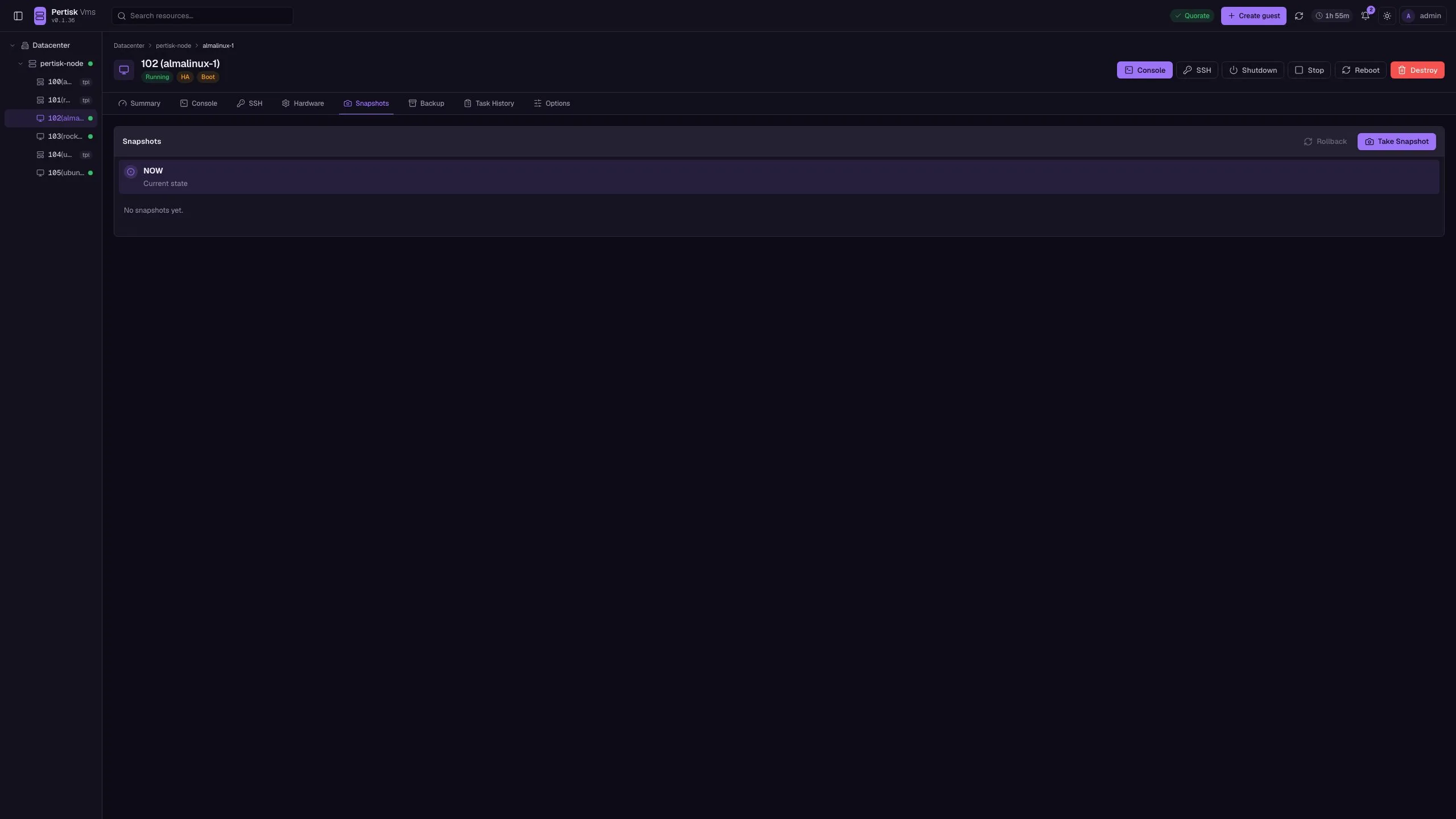
Snapshots
/#/vm/:id/snapshotsNamed disk snapshots across guest volumes.
- Take snapshot
- Rollback
- Delete
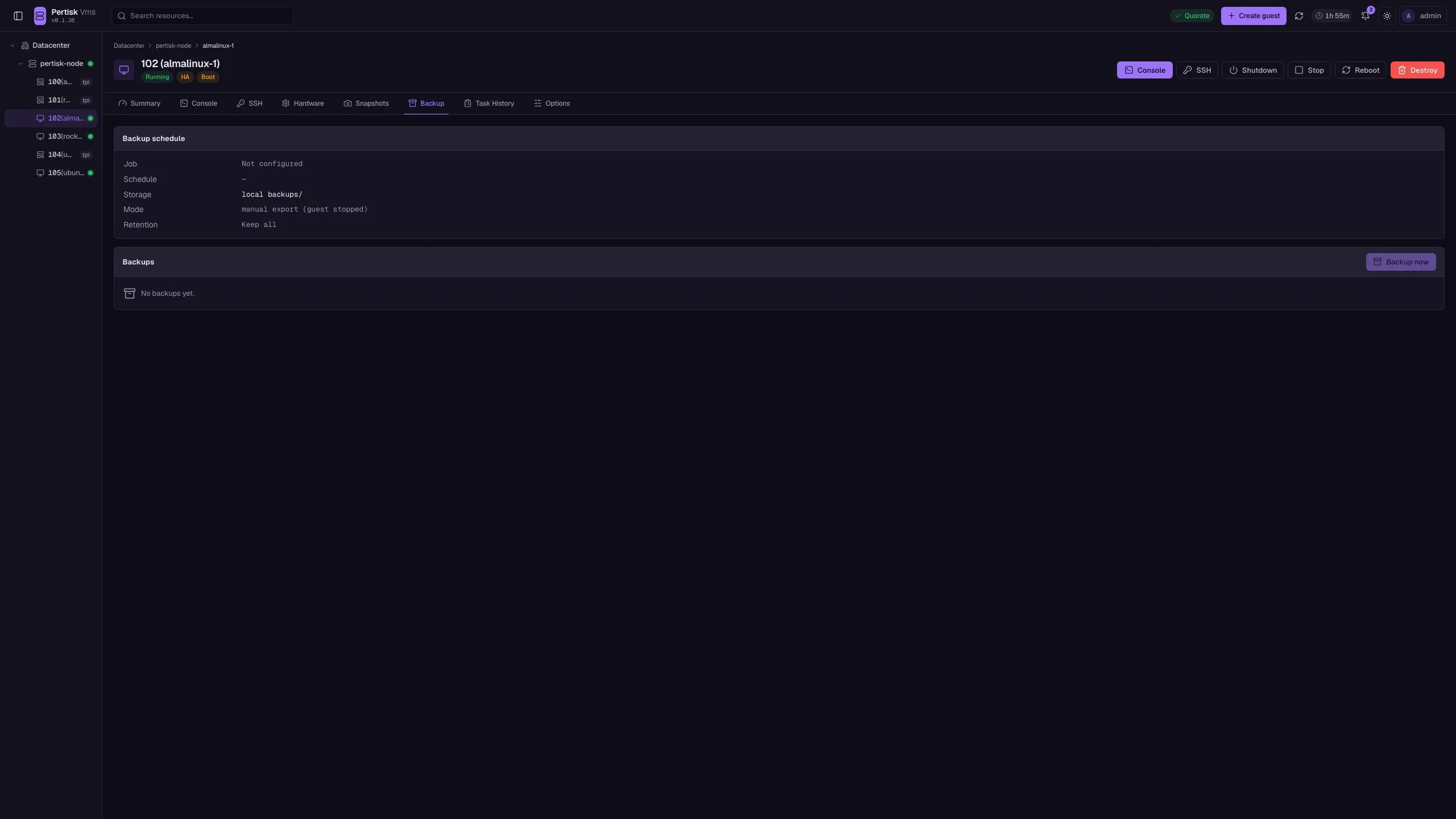
Backup
/#/vm/:id/backupStopped-guest backups stored on the node.
- Backup now
- Delete
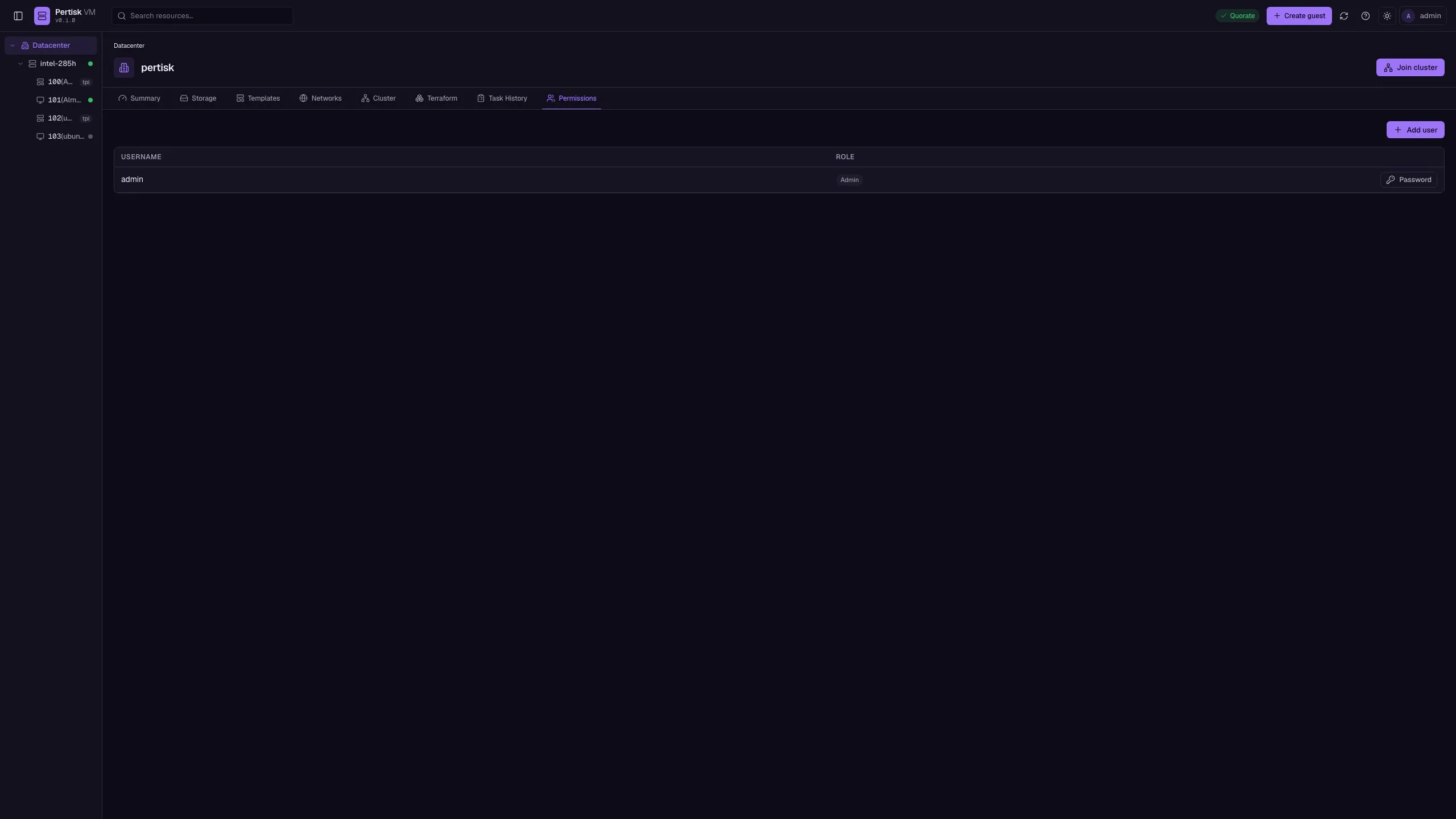
Users
/#/dc/usersLocal accounts: admin, operator, viewer.
- Create user
Screenshots
Clone
git clone https://github.com/pertisktech/pertisk-vms.git